AI-generated illustration — not a retailer product photo.
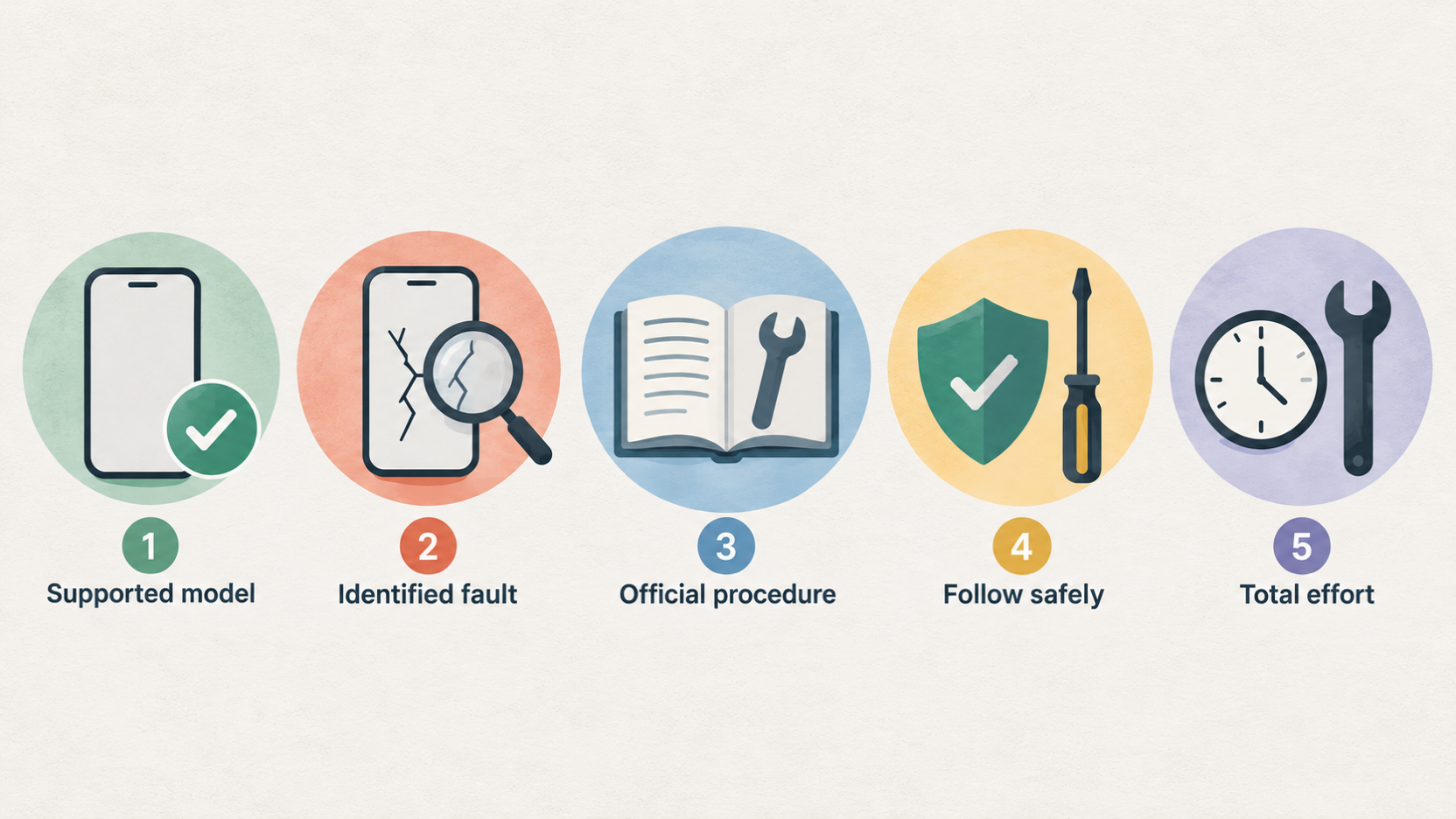
A self-repair programme can make a damaged phone more fixable, but it does not make every repair a sensible home project. Apple and Samsung both give UK owners routes to genuine parts, documentation and—on supported products—tools or repair kits. The decisive questions are whether your exact model and fault are supported, whether you can follow the documented procedure safely, and whether the total effort still beats a professional repair or replacement.
| Check | Apple | Samsung |
|---|---|---|
| Exact model and repair supported? | Check the current official route | Check the current official route |
| Correct parts, tools and manual available? | Verify before ordering | Verify before ordering |
| Diagnosis and post-repair checks clear? | Confirm for the exact repair | Confirm for the exact repair |
Verdict: self-repair is conditional, not a default
AI-generated illustration — not a retailer product photo.
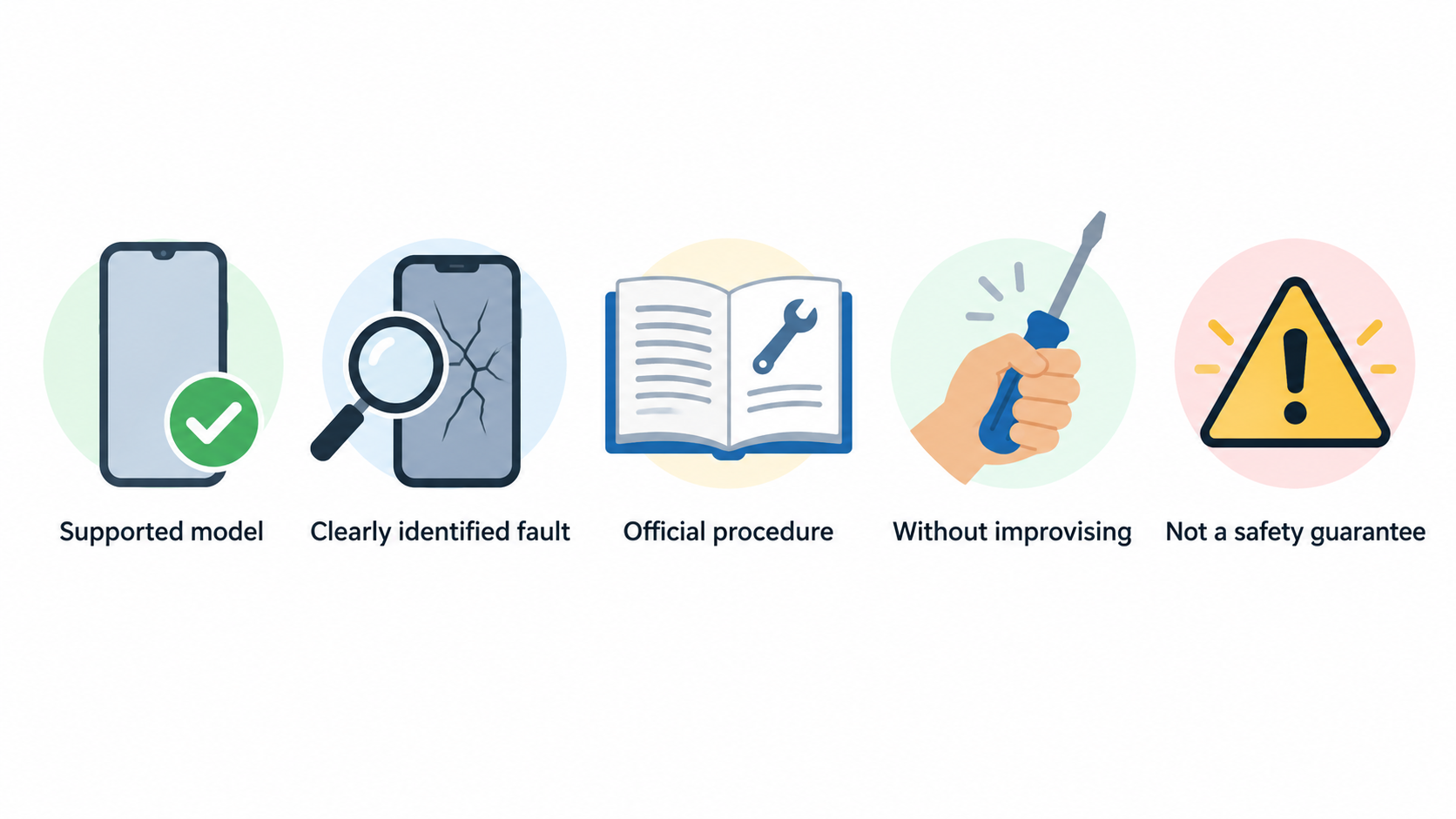
Self-repair is most credible when you have a supported model, a clearly identified fault, access to the official procedure and the confidence to complete every step without improvising. Apple describes its Self Service Repair programme as intended for people with the knowledge and experience to repair electronic devices, while Samsung says its programme applies to some repairs and products rather than every device. (source) (source)
For a straightforward, documented repair on a supported phone, official parts and instructions can give you a clearer route than guessing with generic components. But the programme is not a diagnosis or a safety guarantee. If the fault is uncertain, the repair requires unfamiliar handling, or the phone has suffered water damage or other complicated damage, professional assessment is usually the safer decision.
Before ordering anything, compare the repair cost, tool needs and risk against the phone’s remaining value. A repairability score can add useful context, but it is not a personal instruction manual: iFixit scores how readily a device can be disassembled and repaired using available parts and instructions, and says its rubric changes over time. (source)
For a broader choice framework, see our phone repair or replace decision guide.
What Apple and Samsung self-repair support covers
AI-generated illustration — not a retailer product photo.
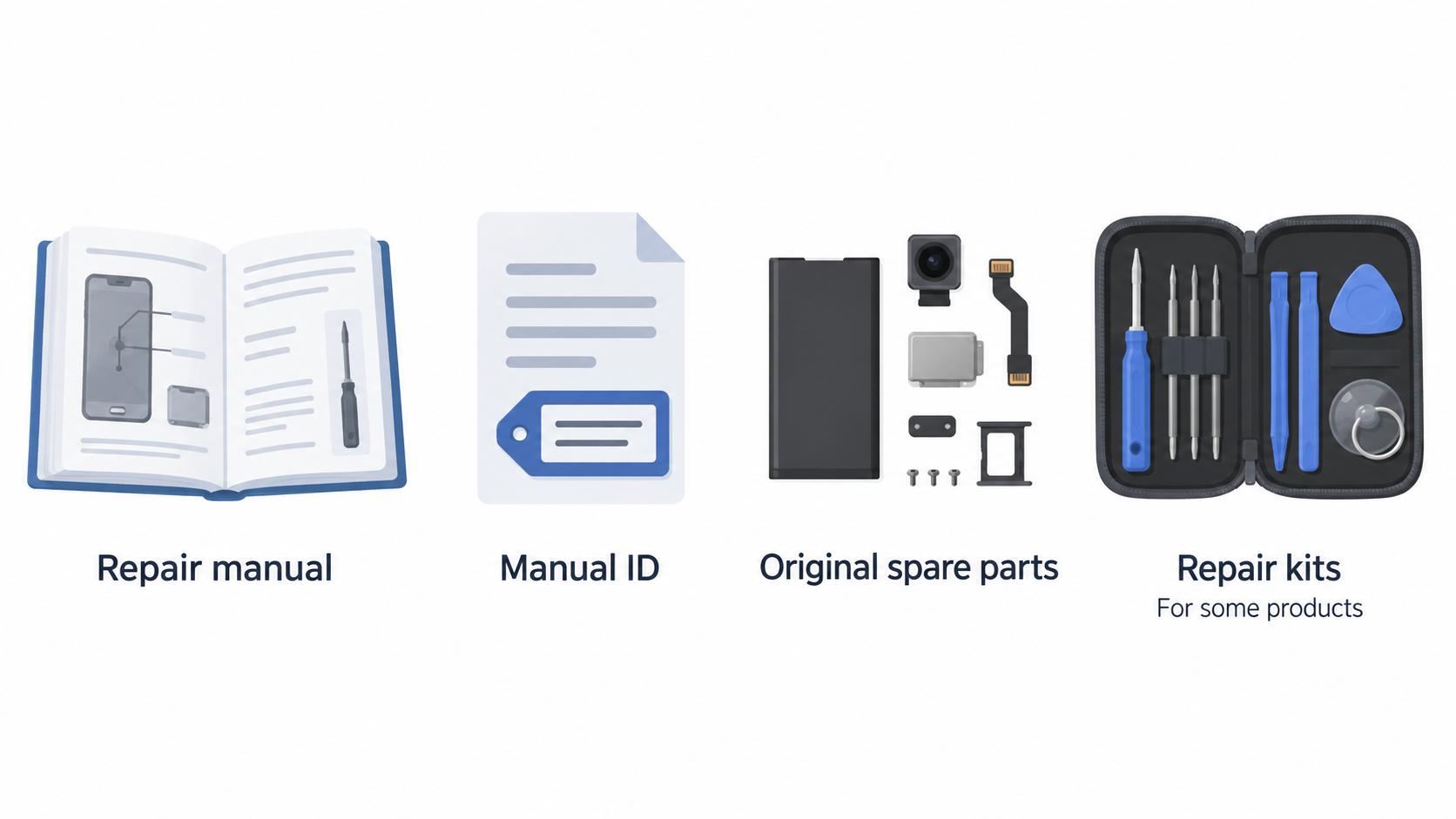
Apple’s UK Self Service Repair route covers out-of-warranty repairs for supported iPhone, iPad, Mac laptop, Mac desktop, Apple display and Beats models. Apple tells owners to begin with the repair manual for their specific model and repair type, because it identifies the required parts, tools and materials; the manual ID is needed when buying parts and tools through the Self Service Repair Store. (source)
Samsung’s UK Self-Repair page covers original spare parts across a wider product list, including Galaxy smartphones, tablets and laptops as well as selected refrigerators, washing machines, dishwashers, televisions and monitors. For some products, Samsung also offers repair instructions and repair kits. That wording matters: product category alone is not proof that your exact model, fault or procedure is available. (source)
The comparison is therefore less about declaring one programme universally better and more about checking the support path for the device in your hand. Apple places the manual at the start of its process. Samsung provides model-code and category search routes for manuals and repair guides. In both cases, treat the official documentation as the first eligibility check, not as an afterthought once a part has been ordered. (source) (source)
Use a phone repair diagnosis checklist to define the symptom before choosing a route.
Parts and manuals: finding the correct repair path
AI-generated illustration — not a retailer product photo.
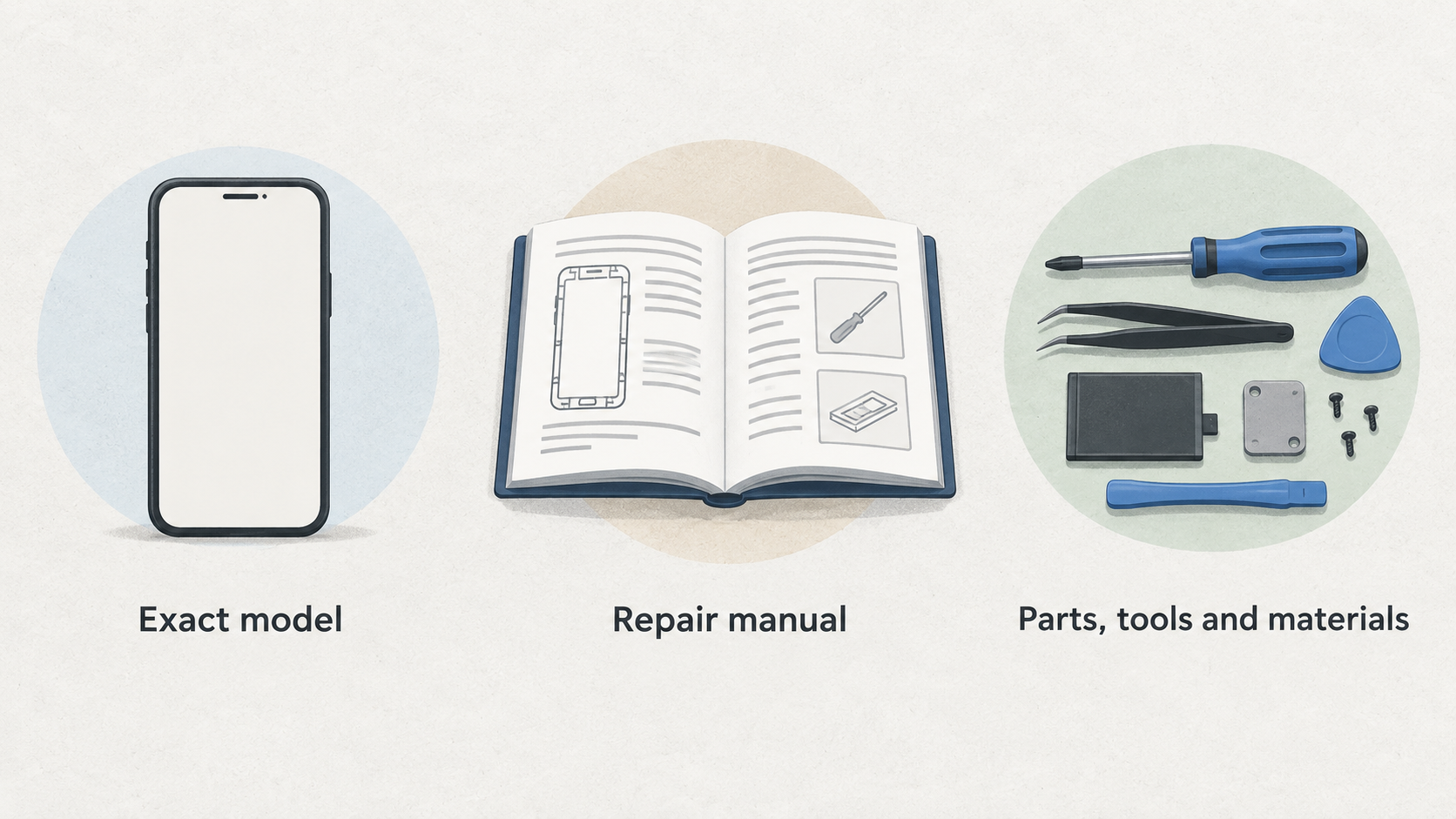
Start with the exact model, not the brand name. Apple directs owners to the repair manual for the particular iPhone, iPad, Mac, display or Beats product, where the required parts, tools and materials are set out for the repair type. It states that genuine Apple parts and professional-grade tools can be purchased or rented through its Self Service Repair Store, with genuine parts also available from a Genuine Parts Distributor. (source)
Samsung similarly says that its programme lets owners buy original spare parts for supported Samsung products. Its UK page points Galaxy owners to genuine-parts purchasing, offers video guides for some phone and laptop repairs, and says manuals and repair guides can be found by entering a model code or searching a product category. (source)
This is the point at which a DIY job either becomes realistic or stops. Read the full procedure first and make a list of every part, consumable and tool it calls for. If the guide for your exact model is unavailable, if the listed part cannot be identified with confidence, or if you cannot obtain the required kit, do not substitute assumptions for compatibility.
“Genuine” is useful information, but it is not the whole decision. Apple says its genuine parts are engineered and tailored for each product and are extensively tested for quality, integrity, safety and reliability. (source) You still need to establish that the repair itself is supported and that you can carry out the specified process. Samsung’s programme also distinguishes between the availability of original spare parts and the availability of repair instructions or kits for some products. (source)
For help finding the device identifier, see how to identify your phone model. Read genuine vs compatible phone parts before choosing a non-official component.
Tools, safety and the practical limits of DIY repair
Official support does not remove the practical demands of repair. Apple’s process requires owners to review the manual for the specified tools and materials before purchase, and it offers professional-grade tools for its programme. (source) Samsung says repair kits are available for some products and provides guides for particular repairs, such as screen, charging-port and back-glass work on Galaxy devices. (source)
That means the sensible question is not simply, “Can I buy the part?” It is, “Can I complete this documented repair with the required equipment and judgment?” A repair that looks small from the outside may still involve multiple steps, precise fitting, or risks that the manual expects an experienced repairer to manage. Apple explicitly frames Self Service Repair for people experienced with the complexities of electronic-device repair. (source)
Pause rather than press on if the instructions do not match the phone’s condition, a component does not fit as expected, or you find damage beyond the stated repair. This is especially important where the original fault is unclear: fitting a visible replacement part will not necessarily resolve an underlying problem.
A documented video or manual is helpful preparation, not a substitute for competence. Samsung’s videos can support specific procedures, but availability of a video should not be read as a promise that every owner can safely complete every repair. (source)
Read our phone repair safety guide before starting. For a phone exposed to liquid, use the more cautious water-damage phone repair route.
Diagnostics, post-repair checks and repairability evidence
A good repair decision begins with diagnosis and ends with a check that the phone is working as intended. Samsung’s UK Self-Repair page includes a video-guide route for performing a diagnostics test, alongside guides for certain Galaxy phone repairs. (source) Apple’s published self-repair process starts with the model-specific manual, which sets out the parts, tools and materials for the particular repair. (source)
Use those official resources to establish what the programme actually documents for your model. Do not assume that a parts catalogue, a repairability headline or another model’s video supplies the same diagnostic and post-repair process for your device.
Independent repairability evidence has a different role. iFixit says its engineers tear down smartphones and score repairability from zero to ten, assessing factors including disassembly and the availability of parts and instructions. It also warns that scoring criteria are updated, so older scores may not be directly equivalent to a new score under a later rubric. (source)
That makes a score valuable as background when comparing phones or considering long-term ownership. It cannot tell you whether your individual fault is correctly diagnosed, whether a specific repair will succeed, or whether you have the tools and experience to do it safely. Pair independent repairability context with the official manual for your exact model.
Use our phone screen repair checklist after a screen-related repair, and review phone battery health when battery performance is part of the decision.
Alternatives: professional repair, independent repair or replacement
If the official self-repair route does not clearly fit your model, fault or skills, there are still sensible alternatives. An authorised service route can be appropriate where you want work handled by a Samsung Authorised Service Centre or another manufacturer-supported path. Samsung notes that damage caused by a repair attempt outside a Samsung Authorised Service Centre is not covered by its warranty. (source)
An independent repairer can be a practical option when you need a diagnosis or a repair beyond your comfort level. Ask the shop which parts it plans to use, whether it can identify the cause before fitting parts, and what its own terms cover. The right choice is the one that gives you a clear explanation of the work—not merely the lowest initial price.
Replacement may be more sensible where the device has several faults, the documented repair path is unavailable, or the overall cost and disruption outweigh the benefit of keeping it. iFixit’s approach supports considering repairability as part of a phone’s expected usable life, but it does not replace a model-specific assessment of today’s damage. (source)
Before deciding, compare a quoted professional repair and a suitable replacement with the exact self-repair path: supported parts, documented steps, required tools and the risk you would personally take.
For choosing a repairer, read how to choose a phone repair shop. If replacement wins, our refurbished phone buying guide can help you compare options.
Frequently Asked Questions
Can I use Apple or Samsung self-repair for any phone model in the UK?
No. Apple’s programme directs you to a repair manual for the specific supported product and repair type. Samsung says its Self-Repair programme applies to some damage and products, while instructions and kits are available for some products. Check the official manual or guide for your exact model before treating self-repair as an option. (source) (source)
Will a self-repair attempt affect my phone warranty?
It can matter. Apple describes its route as for out-of-warranty repairs. Samsung says repairs outside a Samsung Authorised Service Centre, including damage caused by an attempted repair, are not covered by its warranty. Check your current warranty terms and the official support route before beginning. (source) (source)
Do iFixit repairability scores tell me whether I can safely repair my own phone?
No. They are useful independent context about how readily a device can be opened, repaired and supported with parts and instructions. They do not diagnose your device, confirm model-specific procedure availability or assess your experience with the repair. iFixit also updates its scoring rubric over time. (source)
When should I stop a DIY phone repair and use a professional instead?
Stop when you cannot confirm the exact model, the official procedure, the correct part or the required tools—or when the phone’s condition no longer matches the documented repair. Professional assessment is also the stronger route when the fault is unclear or the risk of an unsuccessful repair is unacceptable.
For more detail, read phone repair warranty explained.
Related reading
- Best phones for repairability in the UK: comparing Apple, Samsung, Google Pixel and Fairphone repair support
- Apple iPhone repair support review: genuine parts, tools, manuals, calibration and limitations
- Samsung Galaxy self-repair review: supported repairs, genuine parts, diagnostics and warranty boundaries
- How screen, battery and charging-port repairs differ in difficulty, parts support and post-repair checks
Editorial information: About our editorial team · Read our editorial policy · Read our affiliate disclosure.