AI-generated illustration — not a retailer product photo.
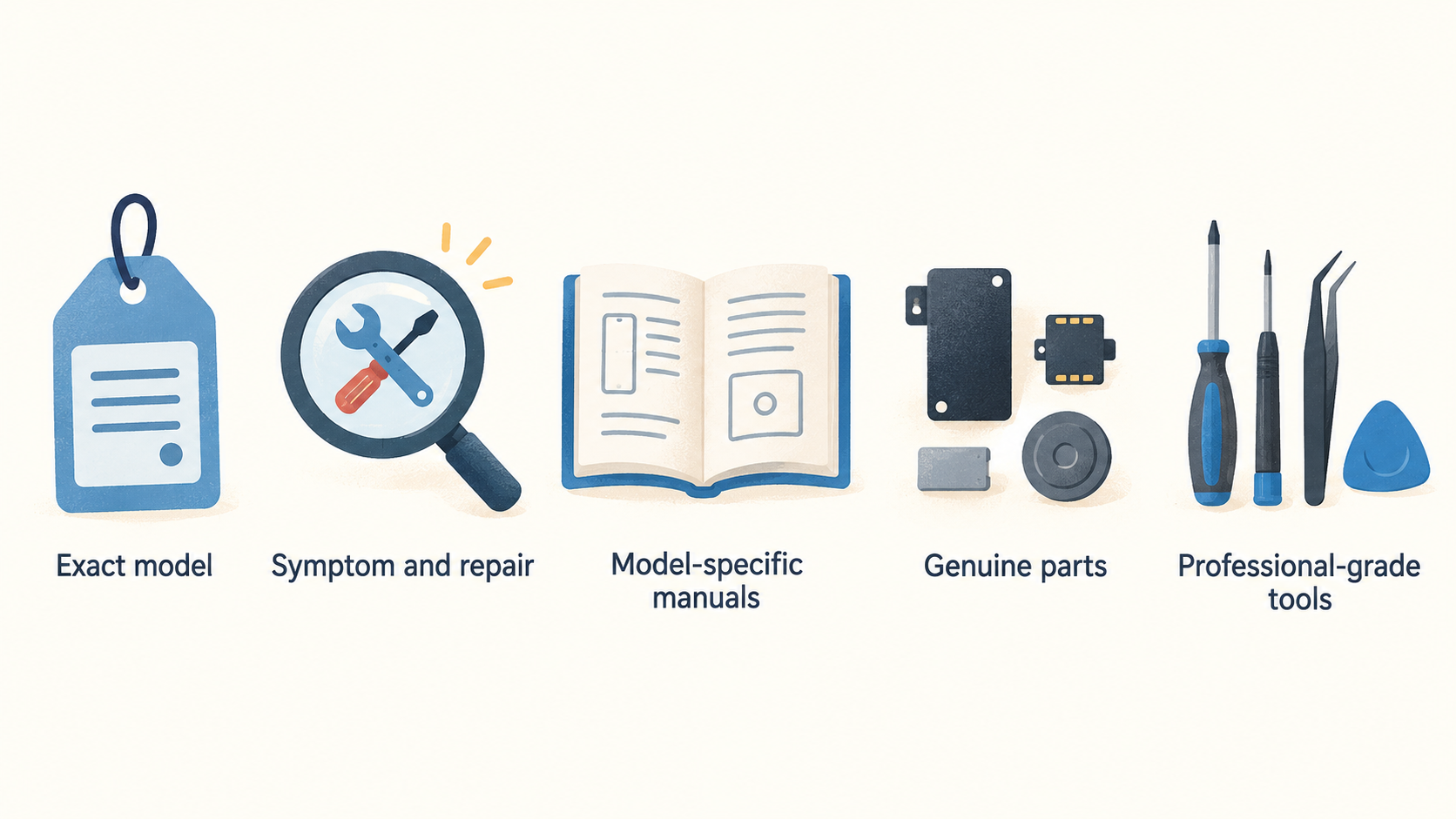
For UK iPhone owners weighing up a repair, Apple’s official route offers useful documentation, genuine parts and access to professional-grade tools. That makes it a credible starting point—but only after you have identified the exact model, symptom and repair involved.
Verdict: Strong official support, but not a universal DIY answer
AI-generated illustration — not a retailer product photo.
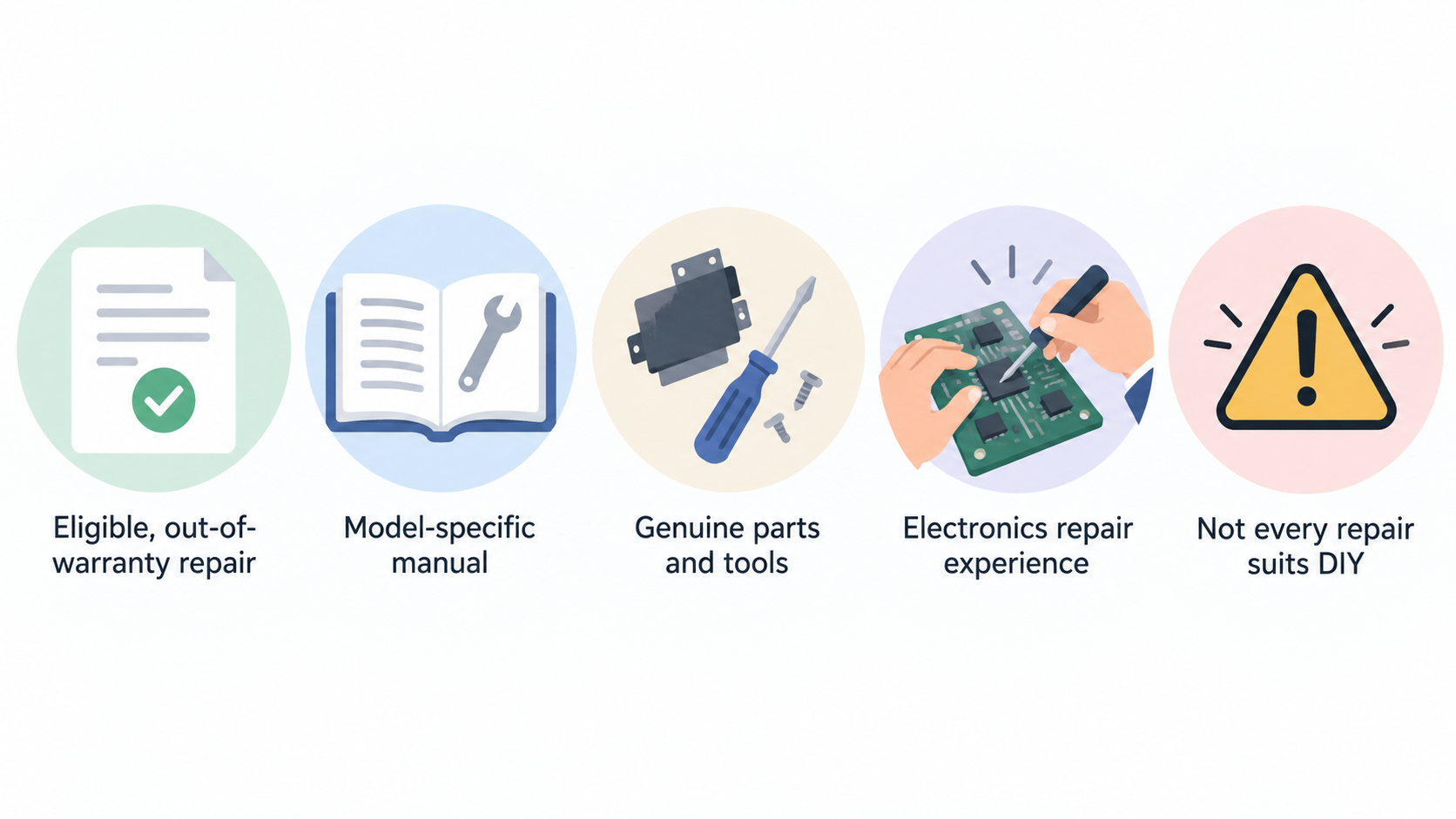
Apple’s Self Service Repair programme is a strong official option for an eligible, out-of-warranty iPhone repair when the owner can work through the relevant model-specific manual and has experience repairing electronic devices. Apple says the programme provides access to genuine parts, tools and repair manuals; it also explicitly frames the service around people who understand the complexities involved. [1]
That distinction matters. Official materials can reduce uncertainty around what parts, tools and steps a documented repair calls for, but they do not turn every damaged iPhone into a sensible first DIY project. A cracked display with a clearly documented route is a different decision from an intermittent fault, liquid exposure or a symptom whose cause has not been diagnosed.
For many owners, the best use of Apple’s support is as a decision baseline: check whether Apple documents the repair for your exact model, understand the parts and tools required, then decide honestly whether the work is within your experience. If it is not, a reputable professional repairer is usually the safer comparison point. For a broader first diagnosis, see our iPhone damage diagnosis guide and professional phone repair vs DIY guide.
What Apple iPhone repair support includes
AI-generated illustration — not a retailer product photo.
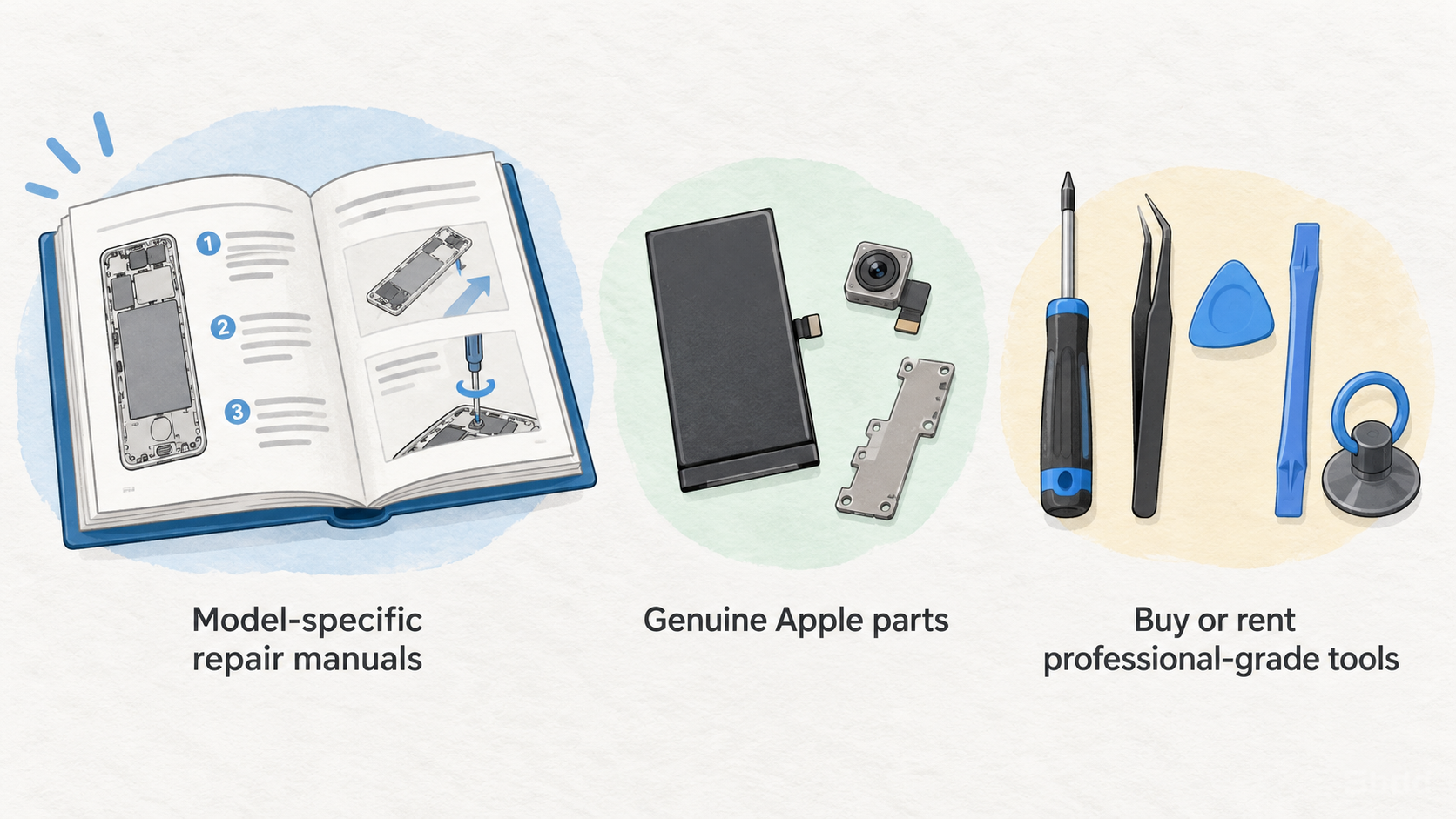
Apple’s Self Service Repair route combines three useful elements: model-specific repair manuals, genuine Apple parts, and the option to buy or rent professional-grade tools through authorised channels. The stated purpose is to help experienced individuals complete a variety of out-of-warranty repairs, including repairs such as display replacement. [1]
The manual should come first. Apple tells owners to read the manual for their particular iPhone model and repair type so they can understand the required steps, parts, tools and materials. The manual also contains the manual ID needed to purchase genuine parts and tools for that repair. [1] That is a valuable discipline: it encourages you to establish the scope before buying anything or opening the phone.
Apple states that genuine parts are engineered for its products and tested for quality, integrity, safety and reliability. It describes the available tools as professional-grade equipment intended for the demands of safe Apple-product repair. [1] Those statements support confidence in the official ecosystem, but they are not a promise that a repair will be easy, low-cost or appropriate for every owner.
In practical terms, the support package is best read as a structured route for a defined task rather than a general invitation to troubleshoot every iPhone problem yourself. Start with the Apple iPhone repair manual guide and our explainer on genuine phone parts before deciding whether to proceed.
Strengths: manuals, genuine parts and repair records
The clearest strength of Apple’s route is that it ties the repair decision to a specific model and documented procedure. Rather than treating an iPhone display, battery or camera as a generic component swap, Apple directs owners to a model-specific manual that identifies the required parts, tools and materials. It also requires the manual ID when buying parts and tools. [1]
That process can make a well-defined repair more predictable. You can see what the job calls for before committing, compare that demand with your own skills, and avoid guessing about which official part or tool is intended for the task. Apple’s access to genuine parts and professional-grade tools is particularly relevant for owners who prefer an official supply chain over an unknown replacement component. [1]
There is also a useful after-repair information check. On iPhones with iOS 15.2 or later, Parts and Service History is available in Settings > General > About when the device has been repaired. Apple says the section can show whether a repair used genuine Apple parts and processes, subject to the model and part involved. [2]
The feature should be understood as a record, not a universal verdict on repair quality. Apple lists several possible labels: Genuine, Unknown, Unverified and Used. Coverage varies: Apple’s published table lists different supported component information for iPhone 12 models and later, iPhone 11 models, and certain earlier iPhone models. If a part has been serviced more than once, only the most recent service appears. [2]
For an eligible repair, this record can reduce uncertainty after the work is completed, especially when buying a used device or assessing a repair history. It does not replace careful diagnosis before repair or an independent assessment of the device’s overall condition. For related checks, read how to check iPhone Parts and Service History and our iPhone screen replacement guide.
Limitations: complexity, safety and repair-history caveats
The main limitation is straightforward: Apple does not present Self Service Repair as a beginner route. It says the programme is intended for people with the knowledge and experience to repair electronic devices and refers to the complexities of such work. [1] A detailed manual can improve preparation, but it cannot supply the practical judgement needed to handle a difficult disassembly, an unexpected fault or a safety-sensitive component.
This matters most when the diagnosis is uncertain. A phone that does not charge, overheats, has suffered liquid exposure, loses signal intermittently or shows several symptoms may not have one obvious replaceable component. A manual for a defined repair is helpful once the job is known; it is not evidence that the suspected component is the cause of every symptom.
Owners should also avoid treating repair-history labels as simple pass-or-fail grades. Apple says that Unknown can appear in situations including a non-genuine replacement part or a part that is not working as expected. Unverified indicates that the Logic Board was previously replaced, and Apple says an unverified Logic Board may affect the ability to use certain features, such as Apple Pay. Used means a part was previously used or installed in another iPhone. [2]
Apple further says that these messages do not affect the ability to use the iPhone unless the description states otherwise. [2] That is why the model, component and exact label matter more than a blanket conclusion about the whole device. It would be unsafe to promise that a particular repair will restore every feature, complete every calibration step or produce a particular Parts and Service History outcome.
If the repair involves a battery, possible liquid damage, or a symptom you cannot confidently isolate, pause before ordering parts. Compare the professional route using our iPhone battery safety guide and iPhone water-damage repair options.
Alternatives: professional repair or replacement
A reputable professional repairer is often the better route when the fault is uncertain, the work is safety-sensitive, or you do not have the experience Apple expects from a self-service customer. The value is not simply that someone else performs the repair. A professional route may be more appropriate when diagnosis itself is the hard part, when the phone has multiple symptoms, or when you need a clear accountable assessment before paying for parts.
Replacement is a separate decision, not an automatic admission that repair has failed. It becomes more relevant when the likely repair is hard to establish, when several components may be affected, or when the cost and risk of restoring an older device no longer make sense for its expected remaining life. Use the device’s condition, your reliance on it and the confidence of the diagnosis—not just the visible damage—to make that comparison.
Repairability information can add context, but it should not decide the case alone. iFixit describes smartphone repairability in terms of factors such as straightforward disassembly, replacement of broken components, and the availability of supplied or manufacturer-endorsed parts and instructions. It also says its scoring rubric changes over time, so older scores may not produce the same result if reassessed today. [3]
That makes a repairability score a useful signal about the general repair environment, not a personal recommendation for your particular phone. A model can have a relatively favourable repairability context while your own fault remains difficult to diagnose; conversely, a clearly documented component repair may still be worthwhile for a device with a less favourable overall score.
Use our guide to choosing a phone repair shop when comparing professional providers, and assess the wider trade-off with when to replace a damaged iPhone.
How to choose the right repair route
AI-generated generic editorial illustration — not a retailer product photo and does not depict the reviewed product or service. Make the practical DIY-versus-professional-repair choice easier to scan.
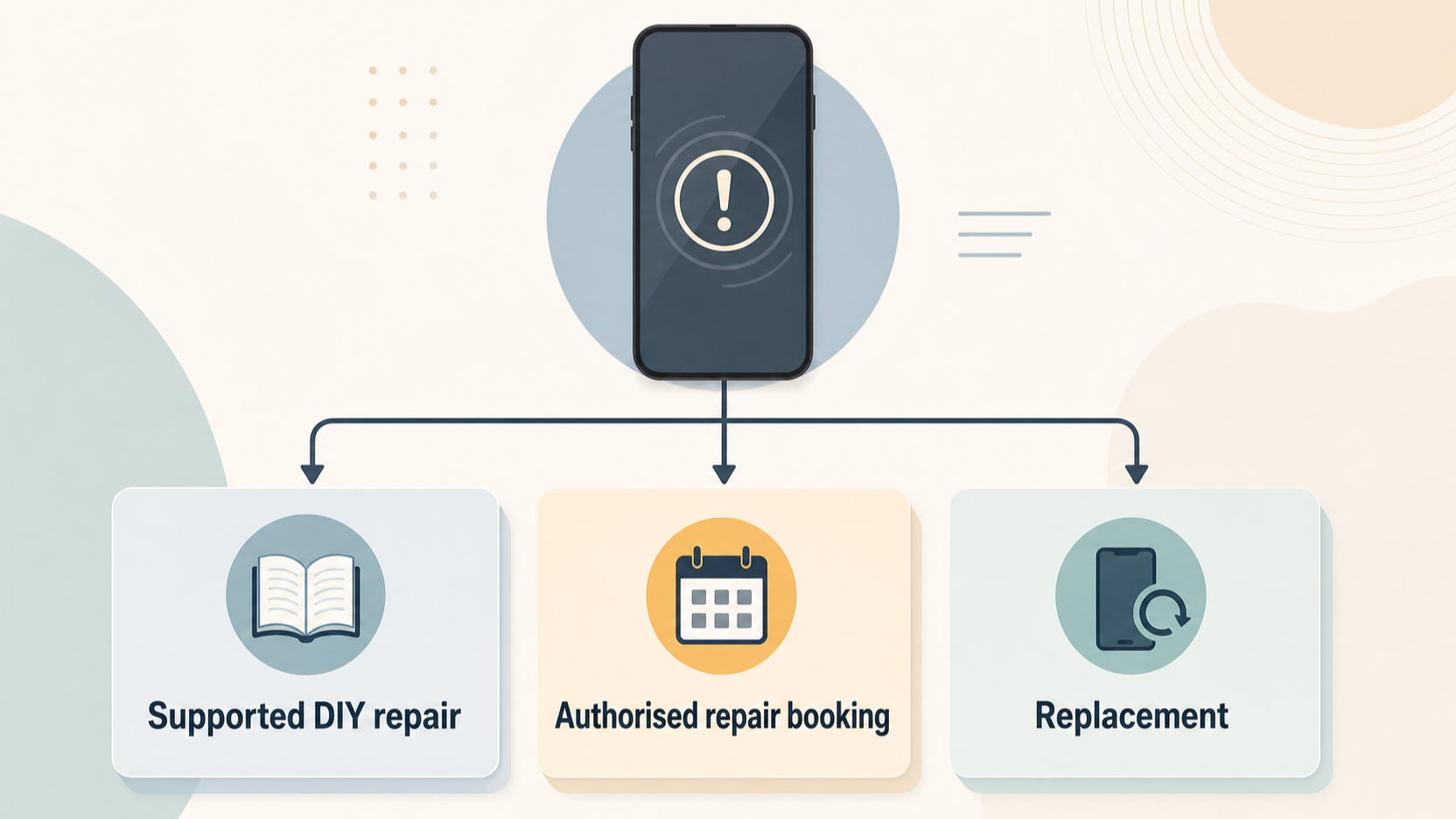 Use this sequence to make the decision without overestimating what official support alone can tell you.
Identify the exact iPhone model and the actual symptom. Do not start from a part you assume has failed. Record whether the issue is isolated—for example, a visibly damaged display—or whether it involves charging, heat, cameras, connectivity, liquid exposure or multiple symptoms.
Check for a documented official repair. Find the Apple manual for your model and repair type. Read it before purchasing anything, including the required parts, tools and materials. Apple says the manual ID is needed when ordering genuine parts and tools. [1]
Judge the job against your experience. Apple limits Self Service Repair to people with knowledge and experience repairing electronic devices. [1] If the manual’s procedure, equipment requirements or possible safety concerns are beyond your comfort level, treat that as useful decision information rather than a challenge to overcome.
Choose the route that matches the certainty of the diagnosis. A straightforward, well-documented component replacement is the strongest candidate for an official self-repair route. An uncertain, liquid-damage or potentially board-level issue is a stronger case for professional diagnosis. Replacement deserves consideration when the device’s wider condition makes an uncertain repair poor value.
Use repairability context carefully. iFixit’s framework highlights disassembly, replaceability, instructions and parts availability, while acknowledging that its scores evolve with the scoring rubric. [3] Use it to understand the general landscape, not to override the facts of your individual fault.
Check the recorded history afterwards where supported. On eligible iPhones with iOS 15.2 or later, review Parts and Service History in Settings after a repair. Apple’s visible categories and component coverage vary by model and part, so read the entry in context. [2]
The practical answer is simple: choose self-repair only when the fault is sufficiently clear, the official documentation fits your exact model and repair, and you can safely follow the process. Otherwise, paying for professional assessment can be the more economical decision because it reduces the chance of buying parts for the wrong problem. Start with our iPhone model identification guide and use the phone repair cost vs replacement calculator once you have a credible repair path.
Frequently Asked Questions
Is Apple Self Service Repair suitable for a first-time DIY repairer?
Usually, it is not the natural starting point for a first repair. Apple says Self Service Repair is intended for people with the knowledge and experience to repair electronic devices, and it directs users to understand the manual, required parts, tools and materials before beginning. [1] If you cannot confidently assess the procedure and its risks, seek a reputable professional repairer instead.
How do I check an iPhone’s Parts and Service History?
With iOS 15.2 or later, open Settings, tap General, then About. If the iPhone has been repaired, a Parts and Service History section may appear. Apple says that the available messages can include Genuine, Unknown, Unverified or Used, and that the information shown depends on the iPhone model and component. [2]
Do repairability scores tell me whether I should repair or replace my phone?
No. They are useful context, not a complete answer. iFixit’s framework considers whether a device can be disassembled and broken parts replaced with available instructions and parts, but it also says the scoring rubric changes over time. [3] Your model’s score cannot diagnose your phone, determine your skill level or tell you whether a particular repair is good value.
Does a Parts and Service History label prove that every feature will work normally?
No. Apple describes Parts and Service History as information about repaired parts and service history, with labels and coverage that depend on the device and component. [2] Do not assume that any one label guarantees a particular repair outcome or feature restoration.
Sources: [1] Apple, Self Service Repair; [2] Apple, iPhone Parts and Service History; [3] iFixit, Smartphone Repairability Scores.
Sources
Related reading
- Best phones for repairability in the UK: comparing Apple, Samsung, Google Pixel and Fairphone repair support
- Apple vs Samsung self-repair: parts, manuals, tools, diagnostics and practical limits for UK phone owners
- Samsung Galaxy self-repair review: supported repairs, genuine parts, diagnostics and warranty boundaries
- How to check genuine phone parts, repair manuals, warranty boundaries and post-repair diagnostics before paying
Editorial information: About our editorial team · Read our editorial policy · Read our affiliate disclosure.