A damaged phone does not automatically need replacing, but nor does a repair guide make every repair suitable for DIY. iFixit is most useful as a research and preparation resource: you can check whether a device has documentation, see whether the suspected component has a replacement guide, and identify the tools a procedure calls for. The final decision should still account for fault certainty, the phone’s value, the work involved and safety.
iFixit Mobile Repair at a Glance
iFixit’s public repair information and tool store can help UK phone owners assess a potential repair before spending money. Its device pages are designed around identification, troubleshooting, repair guides and related community questions; its UK tool store groups products by repair-relevant categories and says its guides show the tools needed for a given job.
That makes iFixit a practical starting point when a phone has a cracked display, weak battery, broken button or other identifiable issue. It is not evidence that a particular fault has been diagnosed correctly, that a guide exists for every model, or that the repair will be economical. Use it to narrow the question: what is the exact handset, what part is suspected, and what would the repair require?
For a broader decision, compare the likely repair route with the phone’s condition, age and replacement cost before ordering parts or tools.
Device Guides and Fault Research
Start with the exact model rather than the brand name alone. iFixit device pages can include identification information, troubleshooting material, technical details, repairability information, replacement guides and forum questions. The Google Pixel page, for example, distinguishes model variants and lists replacement guides for components including the battery, display, fingerprint scanner and motherboard.
This structure is useful because it separates a symptom from a planned repair. A phone that will not charge may need more investigation than a visibly cracked screen; a guide for one component is not proof that this component caused the problem. Read the identification notes first, then check the troubleshooting and guide titles for a match with the model and suspected issue.
Guide coverage is inherently variable. The supplied Pixel page demonstrates that iFixit can publish detailed model-specific material, but it should not be treated as confirmation that the same depth of documentation exists for every handset, regional variant or repair. If you cannot confidently identify the model or find a relevant procedure, pause before buying equipment. A local professional diagnosis may be the safer next step.
Tools for Smartphone Repairs
 iFixit’s UK tool store lists categories that map closely to common smartphone work: precision screwdrivers, prying and opening tools, toolkits, cleaning supplies, ESD prevention, inspection tools, soldering and wiring tools, and consumables. It also offers tools by device. This is a more useful way to shop than assuming one generic kit covers every repair.
The store states that its repair guides show the tools required for the repair job. Treat that guide-specific list as the baseline. A screen or battery procedure may require controlled opening tools and precision drivers; cleaning or inspection may call for different equipment; board-level work can move into soldering and wiring territory. Do not substitute a broad category list for the instructions attached to the exact procedure.
A toolkit may be convenient if you expect to do several compatible repairs, but it is not automatically necessary for one job. Check the procedure, compare the named tools with what you already own, and include safe handling and workspace needs in the cost. If the tool requirement is unclear or extends beyond your confidence, professional repair is often the more predictable route.
Parts Access Does Not Equal a Diagnosis
iFixit presents parts and tools alongside repair resources, and its device pages can link repair documentation to replacement components. That access can make a planned repair easier to research, but it does not establish why a phone failed. A replacement guide explains a procedure; it does not test the handset or rule out other faults.
This distinction matters most when symptoms are ambiguous. For example, a charging, microphone, power or display problem may have more than one possible cause. A forum question or troubleshooting page can help frame the issue, but an owner should avoid treating a similar symptom as a confirmed diagnosis. Buying a part for the most visible or convenient explanation can leave the original problem unresolved.
Use published guidance when the handset and repair target are clear, the required work is documented and the risks are understood. Seek professional help when the diagnosis is uncertain, damage may be internal, a repair involves hazardous components, or the procedure appears more complex than a straightforward part replacement.
Safety, Repairability and Whole-Life Value
Repairability information and documented procedures can help an owner judge whether a repair is realistically approachable. The supplied Pixel page includes a repairability score as well as model-specific replacement guides, while iFixit’s tool catalogue includes ESD prevention, inspection, cleaning and precision-tool categories. Together, these resources can support a more deliberate decision than simply ordering a replacement part.
They do not remove the practical risks. Internal phone work can involve delicate connectors, adhesives, sharp or small components, stored data and batteries. An unsuccessful repair can add cost, leave the handset unusable or make a later professional repair more difficult. Back up accessible data before any repair attempt, and do not proceed merely because a guide or tool is available.
Whole-life value is also conditional. A well-documented repair may be attractive when the phone is otherwise reliable and the repair scope is limited. It may be less attractive if there are several faults, serious damage, a high tool requirement or a replacement device offers better value. Compare the complete route—parts, tools, time, risk and likely remaining life—not just the price of one component.
How to Use iFixit Before Making a Repair Decision
AI-generated generic editorial illustration — not a retailer product photo and does not depict the reviewed product or service. Illustration supporting this section.
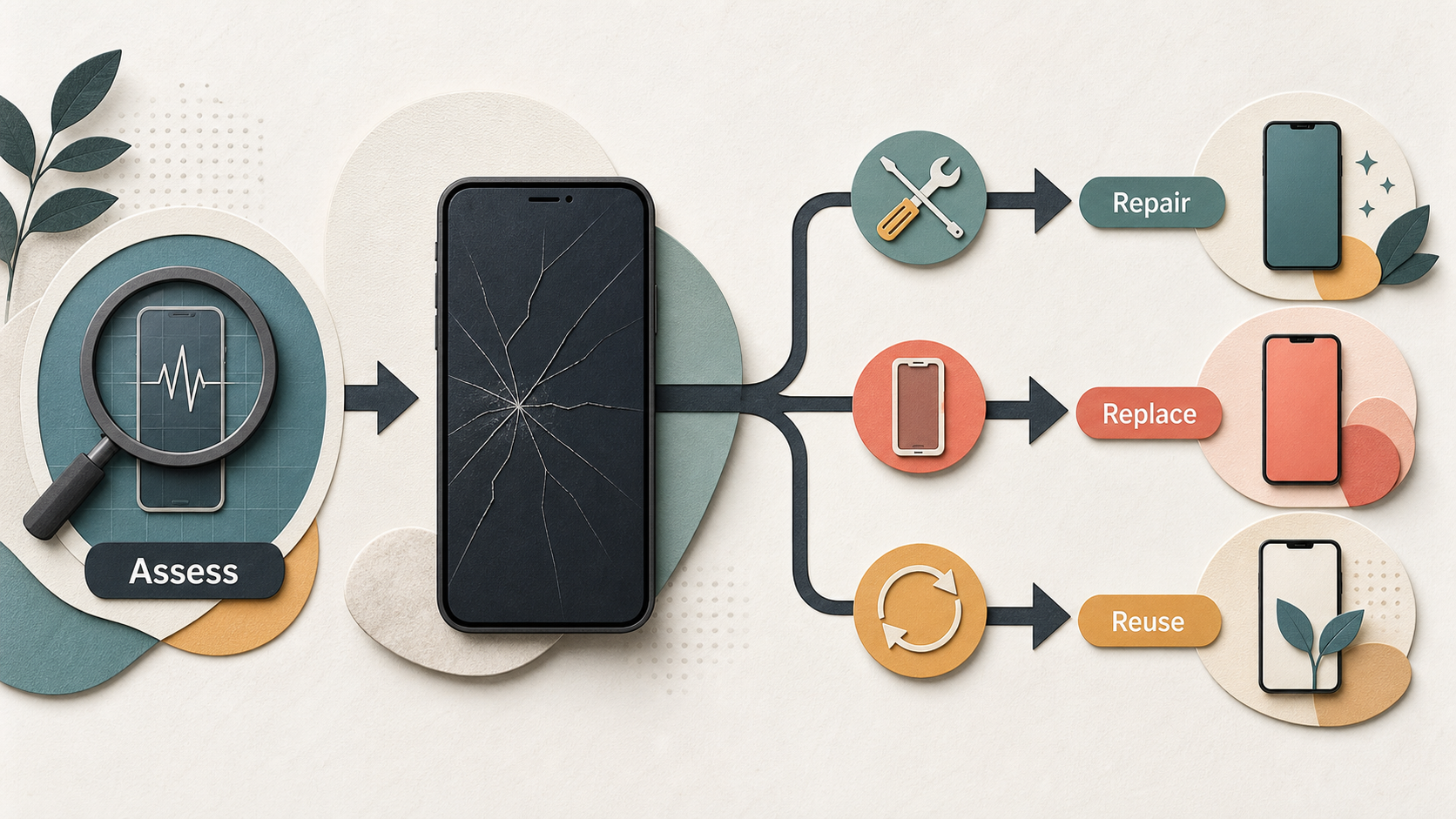 Use iFixit as a pre-repair checklist rather than a promise of an outcome.
- Identify the exact device. Confirm the model and any listed variant before relying on a guide. The supplied Pixel page shows why this matters: model distinctions and component guides sit together on the device page.
- Define the problem carefully. Separate an observed symptom from a confirmed faulty part. Read the available troubleshooting material and guide titles, but do not assume that a guide proves the diagnosis.
- Check whether the repair is documented. Look for a procedure that matches both the handset and the component. If there is no suitable guide, or the instructions do not clearly apply, stop and reassess.
- Read the tool list before buying. iFixit says its guides show the tools needed for each repair. Compare that list with the relevant store categories, including opening tools, precision drivers, cleaning, ESD prevention or more specialised equipment where applicable.
- Assess risk and confidence. Consider the battery, unknown internal damage, data, adhesives and the complexity of the steps. A documented repair may still be inappropriate if you cannot work safely or recover from a mistake.
- Compare the three routes. DIY can fit a clear, documented and manageable repair. A professional is a stronger option when diagnosis is uncertain, the job is complex or safety is a concern. Replacement may be more sensible when repair costs and risks outweigh the phone’s expected remaining value.
The key is to make the decision before ordering, not after opening the device. If the evidence points to a straightforward repair, iFixit can help you prepare. If it leaves essential questions unanswered, treating that uncertainty as a reason to pause is the responsible choice.
Ready to compare your repair options? [primary_cta]
Frequently Asked Questions
Can iFixit help me find a repair guide for my exact phone model?
It can be a useful place to check. Device pages may include identification information, troubleshooting and replacement guides; the supplied Google Pixel page lists guides for several components. Coverage varies, so confirm that the page and procedure match your exact model and repair target before relying on them.
Do I need a full toolkit for a smartphone repair?
Not necessarily. iFixit’s tool store includes toolkits as well as individual categories such as precision screwdrivers and opening tools, and it says repair guides show the tools needed for a job. Start with the guide-specific list rather than buying a large kit by default.
When should I choose a professional repair instead of DIY?
Choose professional help when the cause of the fault is uncertain, the phone may have internal or hazardous damage, the documented work is beyond your confidence, or a failed attempt would be costly. Access to tools or a guide is not the same as a confirmed diagnosis.
Does a repair guide confirm which part is faulty?
No. A guide can show how to replace a component and a device page may offer troubleshooting information, but neither is a hands-on diagnosis of your phone. Treat a guide as preparation for a repair only after you have reasonable evidence that the component is the problem.
Sources
Related reading
- Best phones for repairability in the UK: comparing Apple, Samsung, Google Pixel and Fairphone repair support
- Fairphone repairability review: modular parts, repair guides, tool needs and practical limitations
- How to choose between DIY repair, professional repair and replacing a damaged phone
- How to check genuine phone parts, repair manuals, warranty boundaries and post-repair diagnostics before paying
Editorial information: About our editorial team · Read our editorial policy · Read our affiliate disclosure.